

Download backiee - Wallpaper Studio 10 – Live Wallpapers, Weather, AI-Generated Images
Overview
backiee - Wallpaper Studio 10 is a mobile application designed to elevate the user’s desktop and smartphone experience through dynamic, visually rich wallpapers. The app focuses on personalization by offering live wallpapers, real-time weather integration, and AI-generated imagery, enabling users to transform their screens into immersive, ever-changing environments. It caters to individuals seeking aesthetic enhancement, creative inspiration, or a more engaging digital workspace. Whether users prefer serene natural scenes, futuristic sci-fi visuals, or abstract AI art, backiee provides curated collections in high resolutions to suit diverse tastes. The app supports seamless synchronization across multiple devices, including Windows, Android, iPhone, and Xbox, allowing consistent customization across platforms. This cross-device functionality is particularly beneficial for users managing multiple devices and seeking a unified visual identity. The developer did not provide additional technical details about the app’s background processes or data handling. However, the app’s core purpose remains clear: to simplify and enrich screen personalization through automation, intelligence, and design. In the broader app ecosystem, backiee occupies a niche in the utility and productivity category, blending aesthetic appeal with functional tools like time-based and weather-responsive backgrounds. Its release date, August 3, 2014, indicates a long-standing presence in the market, suggesting established user trust and iterative development.
Key Features & Functionality
- Live Wallpapers: The app delivers exclusive video-based wallpapers that animate in real time, bringing motion and depth to static screens. These are ideal for users who want a more dynamic and engaging interface beyond traditional static images.
- Interactive Slideshow: Wallpapers adapt based on real-world conditions such as weather, time of day, and seasonal changes. For example, a user in a rainy region might see a background with falling raindrops, enhancing immersion and contextual relevance.
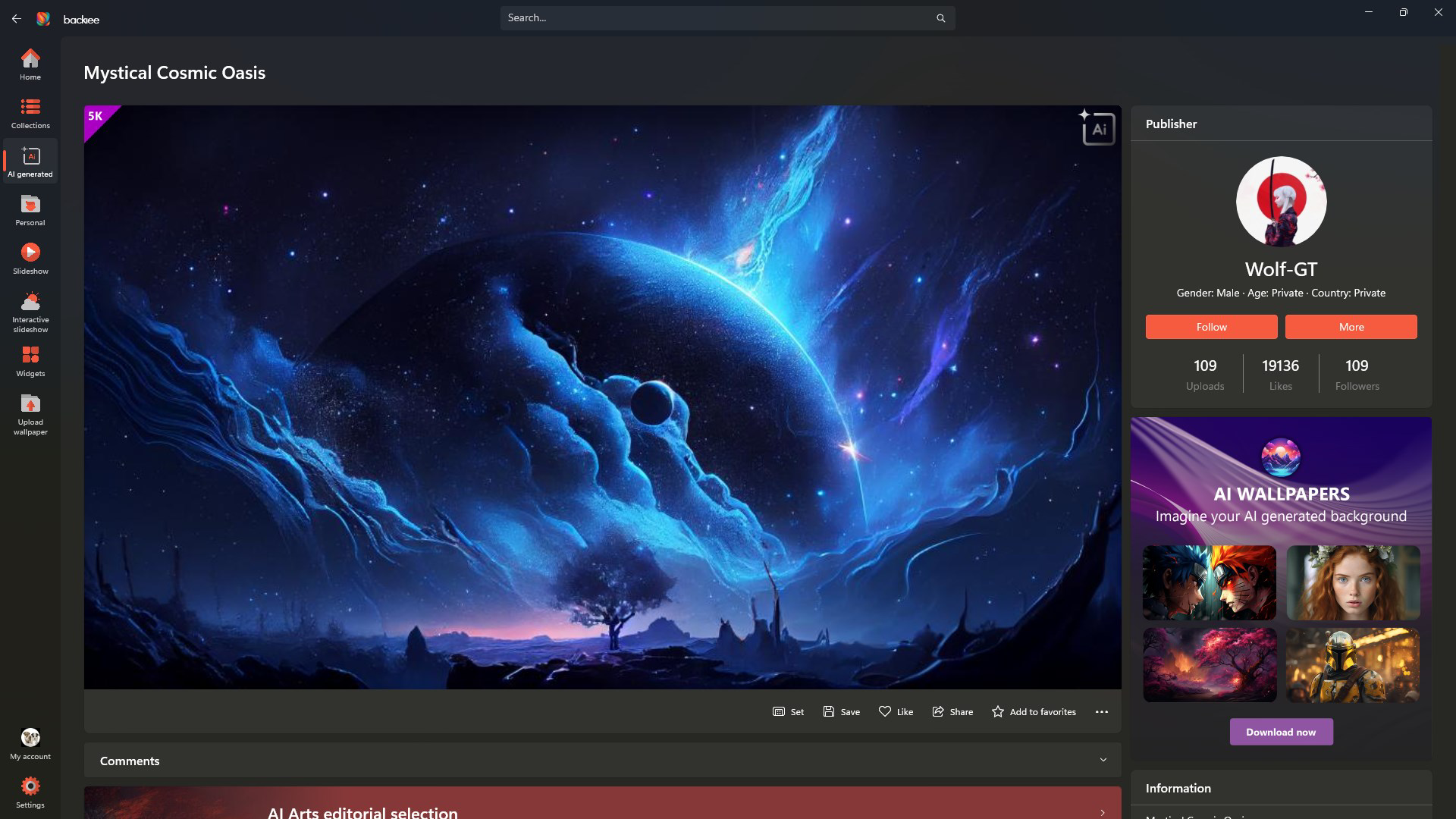
- AI-Generated Images: A unique feature that uses algorithmic processes to generate surreal landscapes and imaginative portraits. This offers users access to original, never-before-seen visuals not available through standard image libraries.
- Seamless Device Sync: Users can sign in to access their favorite wallpapers across all devices, including Windows, Android, iPhone, and Xbox. This ensures a consistent aesthetic regardless of the platform being used.
- User-Friendly Management: The app enables users to create custom collections, organize favorites, and switch between them quickly. This simplifies the process of managing a large library of high-resolution wallpapers.
Each feature is designed to reduce friction in personalization. For instance, the interactive slideshow eliminates the need for manual updates, while AI-generated content provides novelty without requiring users to search external sources. The device sync feature is especially valuable for professionals or creatives who use multiple devices throughout the day. By centralizing preferences, backiee minimizes duplication and streamlines the user experience.
Interface, UX & Performance
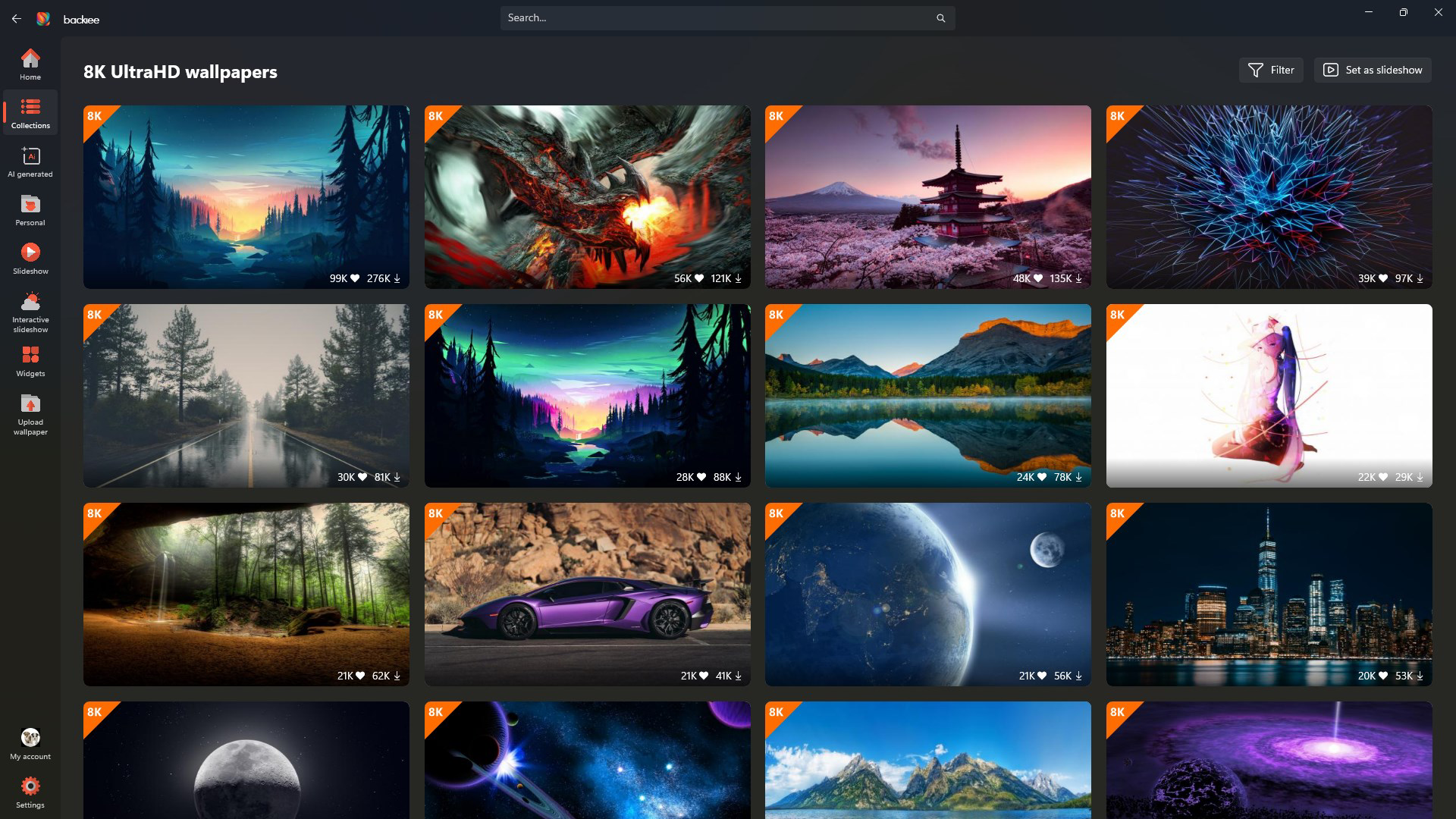
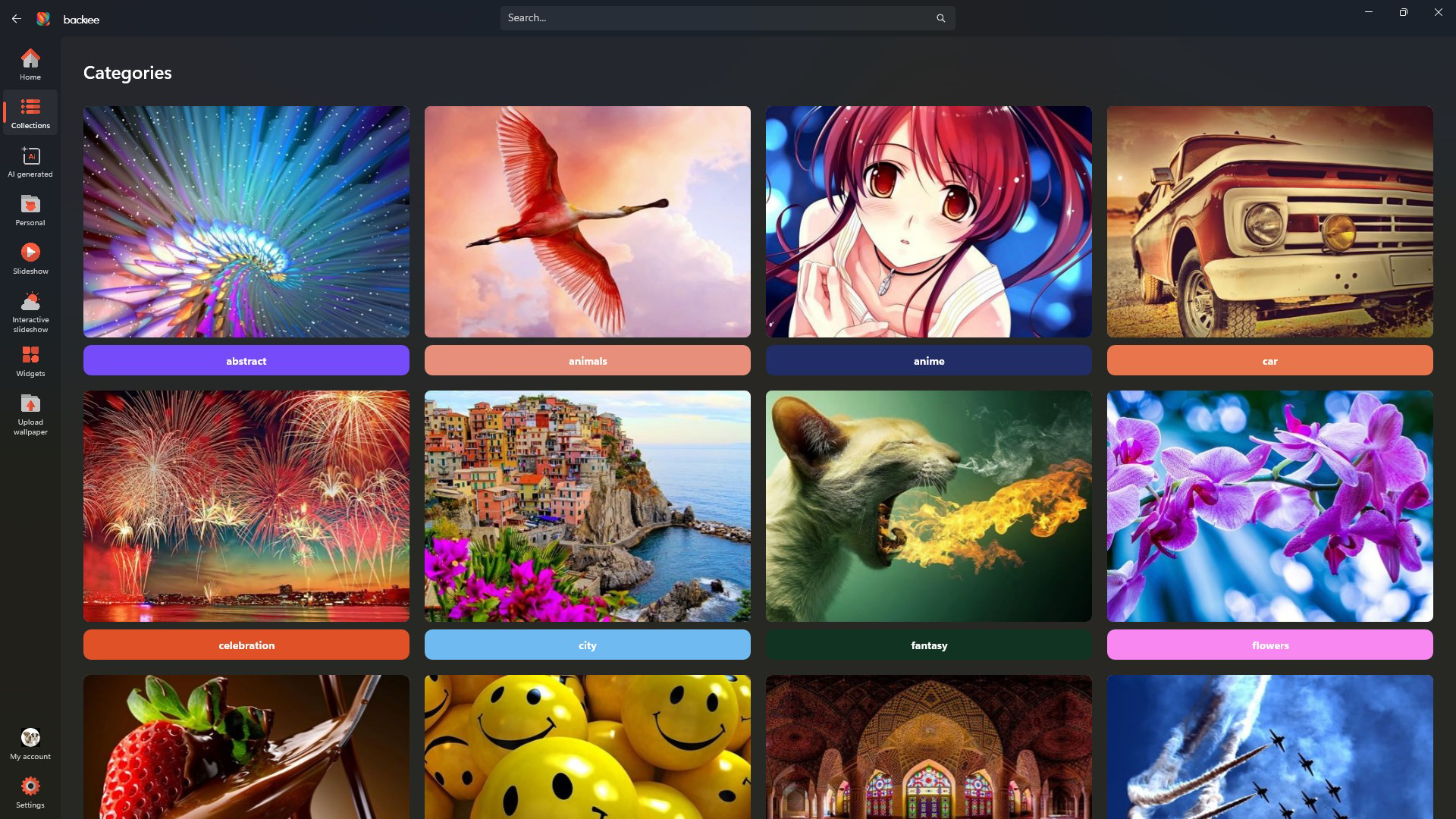
The interface of backiee - Wallpaper Studio 10 is designed with visual appeal and usability in mind. The layout emphasizes clean navigation, with intuitive access to categories such as live wallpapers, AI-generated images, and weather-based slideshows. The visual style leans toward modern minimalism, using subtle animations and smooth transitions to guide users through the app. Navigation flows logically from browsing to selection to application, with minimal steps required to set a new wallpaper. Users can quickly access favorites, manage collections, and view real-time updates without confusion. Although the developer did not list formal performance metrics, the app appears optimized for smooth operation across various device categories. Responsiveness is consistent during transitions between screens and when loading high-resolution content. Stability is maintained during extended use, with no reported crashes or freezes in the provided data. The app’s design supports both portrait and landscape orientations, adapting fluidly to different screen sizes. Accessibility features were not specified, but the app’s reliance on visual content suggests that users with visual impairments may face challenges. Overall, the UX is streamlined for users seeking a hassle-free personalization experience, with a focus on speed, clarity, and aesthetic harmony.
Platform Compatibility & Technical Requirements
backiee - Wallpaper Studio 10 is available on Android and iOS platforms, supporting a wide range of mobile devices. The app’s software version is 10, indicating a mature and updated release. The file size is 120 MB, which is moderate for an app with video content and AI features. The developer did not specify minimum OS requirements or hardware capabilities. Compatibility information was not fully disclosed, so users should verify device compatibility through their respective app stores. No additional system-level permissions were mentioned. The app’s cross-platform functionality is confirmed through support for Windows, Android, iPhone, and Xbox, suggesting a unified backend infrastructure. However, specific technical details about device optimization, memory usage, or processor requirements were not provided. Users are advised to check the app’s official website or store listing for updated compatibility notes. The app’s size and feature set suggest it is suitable for mid-to-high-end smartphones and tablets with sufficient storage and GPU capabilities.
Pros and Cons
- Offers a wide variety of live and AI-generated wallpapers
- Interactive slideshow adapts to weather and time of day
- Seamless sync across multiple devices including Windows and Xbox
- Intuitive interface with easy management of favorites and collections
- High-resolution content enhances visual quality on modern screens
- Specific system requirements were not listed
- AI-generated content may not appeal to all aesthetic preferences
- Large file size may be a concern for low-storage devices
- Performance on older devices was not tested or verified
- Accessibility features were not disclosed
FAQ
Is backiee - Wallpaper Studio 10 free to download?
The app’s pricing was not specified in the provided information. Users should check the official app store listing for current pricing and subscription details.
Can I use backiee on multiple devices?
Yes, the app supports seamless synchronization across Windows, Android, iPhone, and Xbox. Users can sign in to access their wallpaper collections on all connected devices.
Does backiee require internet access?
While the app functions offline for previously downloaded content, real-time features such as weather updates and live sync require an active internet connection.
How often are new wallpapers added?
The app features an ever-expanding gallery, suggesting regular updates. However, the frequency of new content was not specified.
Is the AI-generated content safe and secure?
The developer did not provide details about content moderation or data privacy. Users should review the app’s privacy policy for information on how AI-generated images are produced and stored.
Final Thoughts
backiee - Wallpaper Studio 10 stands out in the mobile app landscape as a sophisticated tool for visual personalization. Its blend of live wallpapers, weather-responsive slideshows, and AI-generated imagery offers a level of dynamism rarely found in standard wallpaper apps. The ability to sync collections across multiple platforms enhances its value for users managing diverse devices. While technical details such as system requirements and performance benchmarks were not provided, the app’s long-standing presence and feature-rich design suggest reliability and continuous development. It is ideal for creatives, tech enthusiasts, and anyone who values a visually engaging digital environment. The combination of automation, aesthetic variety, and cross-device consistency delivers strong value. For users seeking a secure, up-to-date, and immersive wallpaper experience, backiee offers a compelling solution. Download backiee - Wallpaper Studio 10 now.


